Notion Tips
Practical tips, tricks, and tutorials to help you get the most out of Notion.
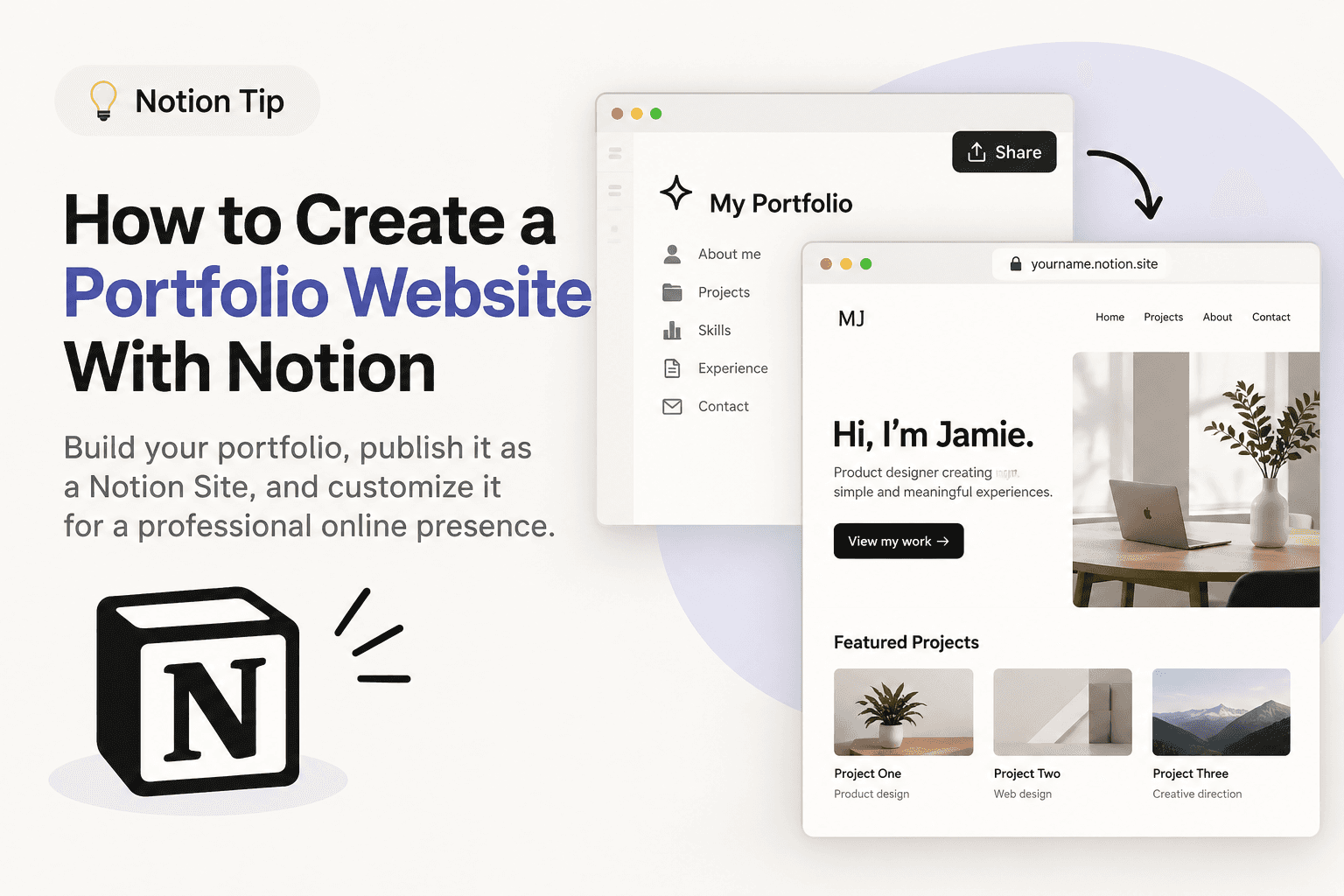
Tip #010
How to Create a Portfolio Website With Notion
Learn how to create a portfolio website with Notion without coding. Build your portfolio, publish it as a Notion Site, and customize it for a professional online presence.
Other
•
Beginner

Tip #009
How Notion Can Help You Run a Small Business
See how Notion can help small businesses organize tasks, projects, documents, and knowledge in one connected workspace.
Other
•
Beginner
Tip #008
How I Replaced 5 Business Tools with Notion
See how I use Notion to replace separate tools for documents, tasks, CRM, business knowledge, and AI in one connected workspace.
Other
•
Beginner

Tip #007
How to Use Notion Web Clipper to Save Links
Learn how to use Notion Web Clipper to quickly save useful websites, articles, and resources to your Notion workspace with a simple Bookmark Manager setup.
Other
•
Intermediate

Tip #006
Use Toggle Sections to Keep Your Notion Workspace Clean
Hide less important information with Toggle blocks to reduce clutter and keep your pages easier to navigate.
Design
•
Beginner

Tip #005
How to Make Your Notion Setup Clean
Create a cleaner, more organized Notion workspace using tabs, callouts, colour coding, and minimal layouts.
Design
•
Beginner

Tip #004
Improve Your Writing in Notion with AI
Quickly improve your writing directly in Notion with AI. Highlight your text, let Notion AI refine it, then accept the suggestion or revert to your original version.
AI
•
Beginner

Tip #003
Create a Divider in Notion with a Simple Keyboard Shortcut
Type --- to instantly create a divider and keep your Notion pages clean and organized.
Other
•
Beginner

Tip #002
Add a Confetti Click Effect to Notion Buttons 🎉
Add a fun confetti animation to your Notion buttons. This simple click effect adds a small visual celebration whenever you use a button.
Buttons
•
Beginner

Tip #001
Build a Pomodoro Timer in Notion with an HTML Block
Create a simple Pomodoro timer directly inside Notion using the HTML block and a simple AI prompt—no coding required.
HTML Block
•
Beginner