Tip #002
•
Add a Confetti Click Effect to Notion Buttons 🎉
Add a fun confetti animation to your Notion buttons. This simple click effect adds a small visual celebration whenever you use a button.

Notion buttons can do more than automate simple actions—you can also add a confetti effect when a button is clicked. 🎉
Here’s how to add it:
Add a Button to your Notion page or select an existing button.
Open the button settings.
Look for the click effect option.
Select Confetti as the effect.
Click the button to see the confetti animation.
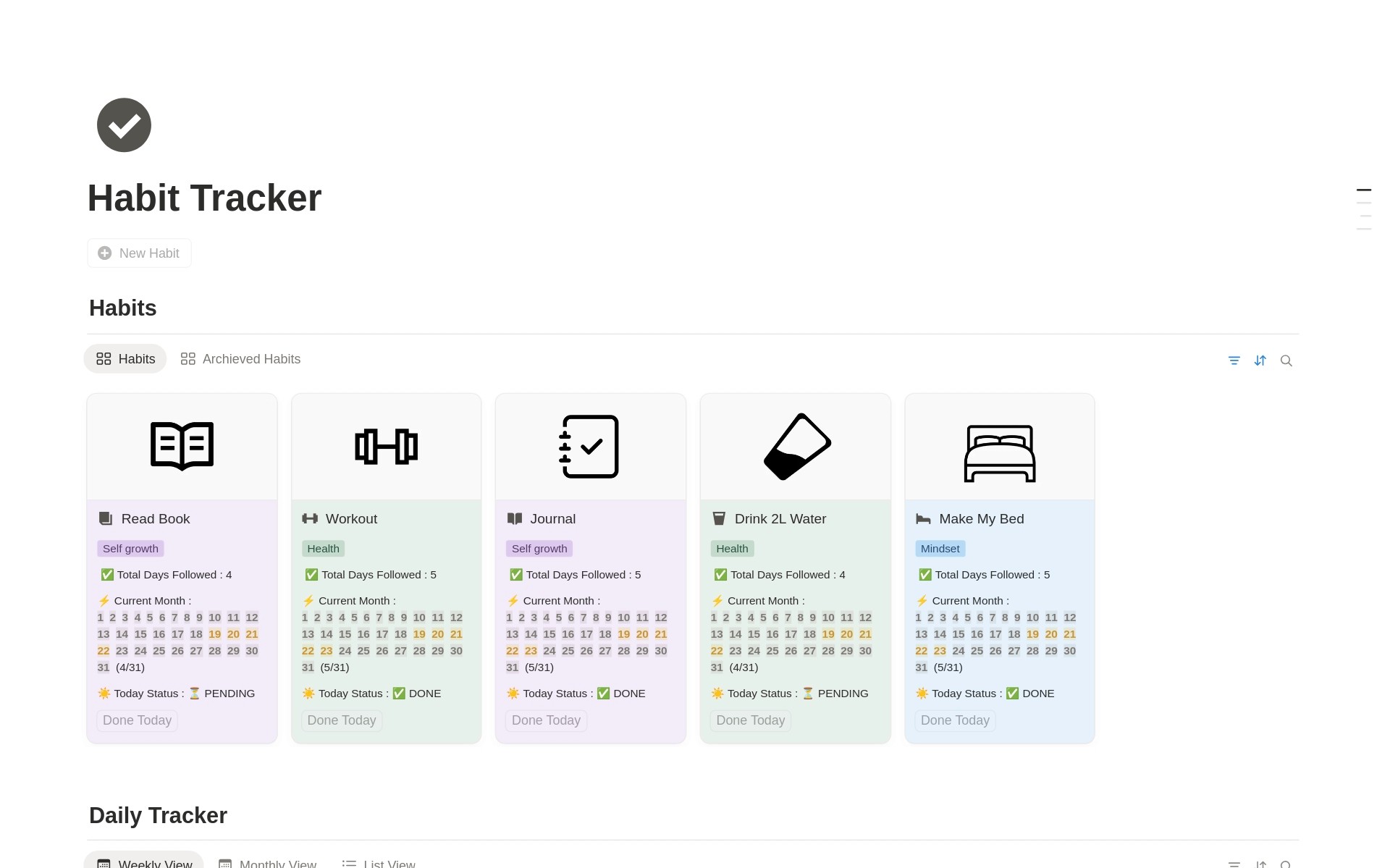
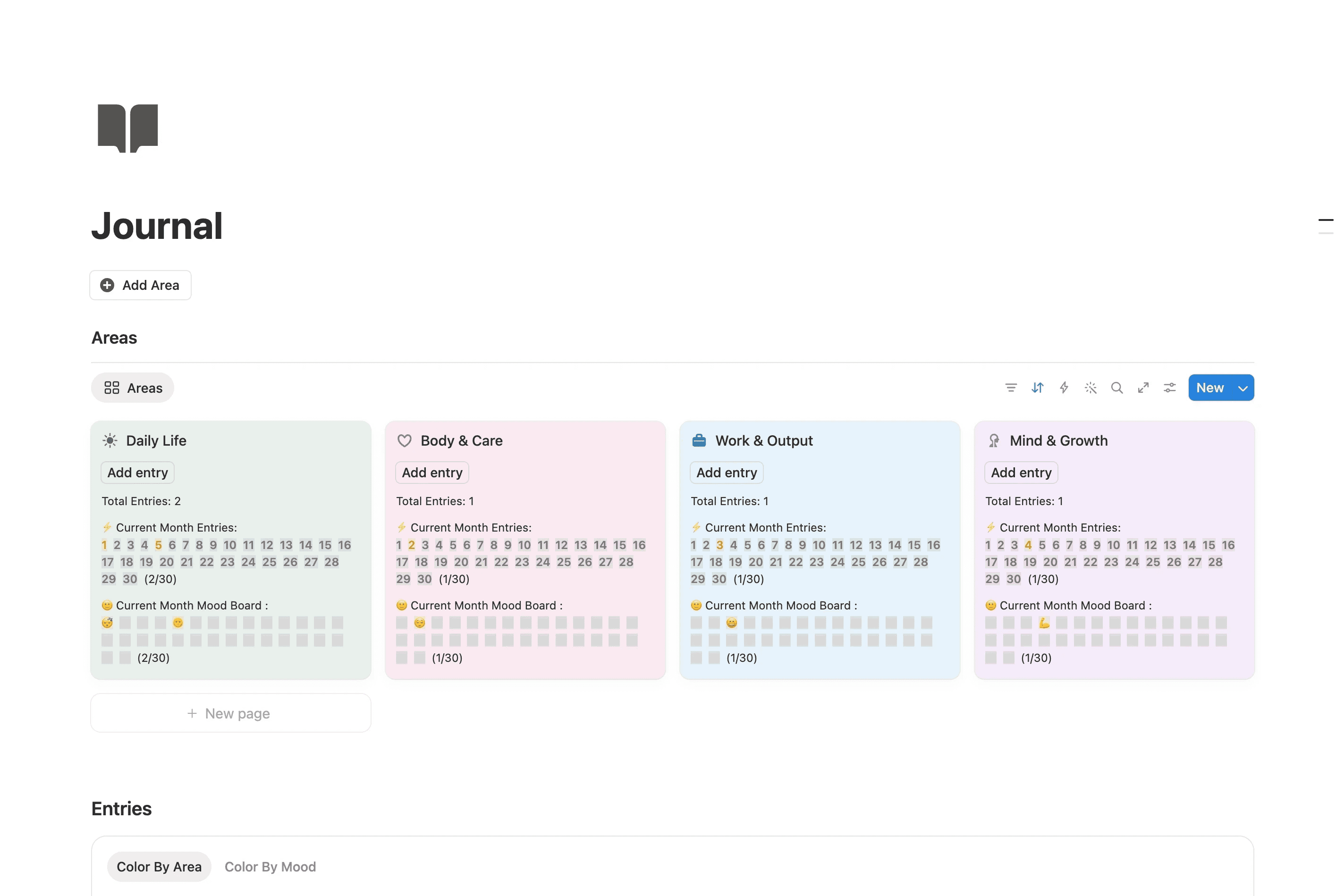
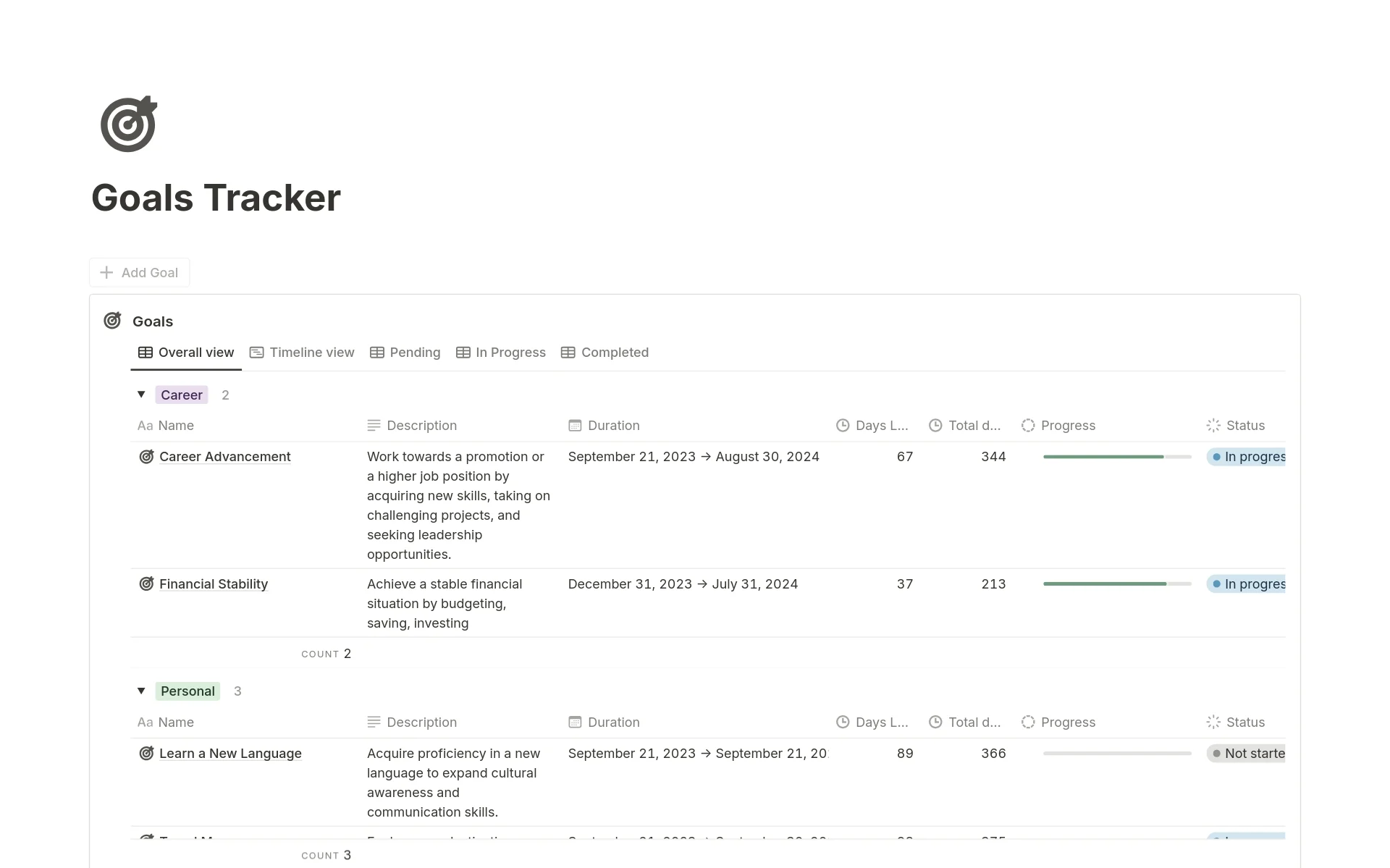
It’s a small detail, but it can make actions like completing a habit, finishing a task, logging a journal entry, or reaching a goal feel a little more satisfying.
Quick Tip: Use the confetti effect selectively for meaningful actions rather than every button. This keeps the effect fun and rewarding.