Tip #001
•
Build a Pomodoro Timer in Notion with an HTML Block
Create a simple Pomodoro timer directly inside Notion using the HTML block and a simple AI prompt—no coding required.

Notion’s HTML block lets you create interactive tools directly inside your workspace using a simple AI prompt. Here’s how to create a Pomodoro timer without writing any code:
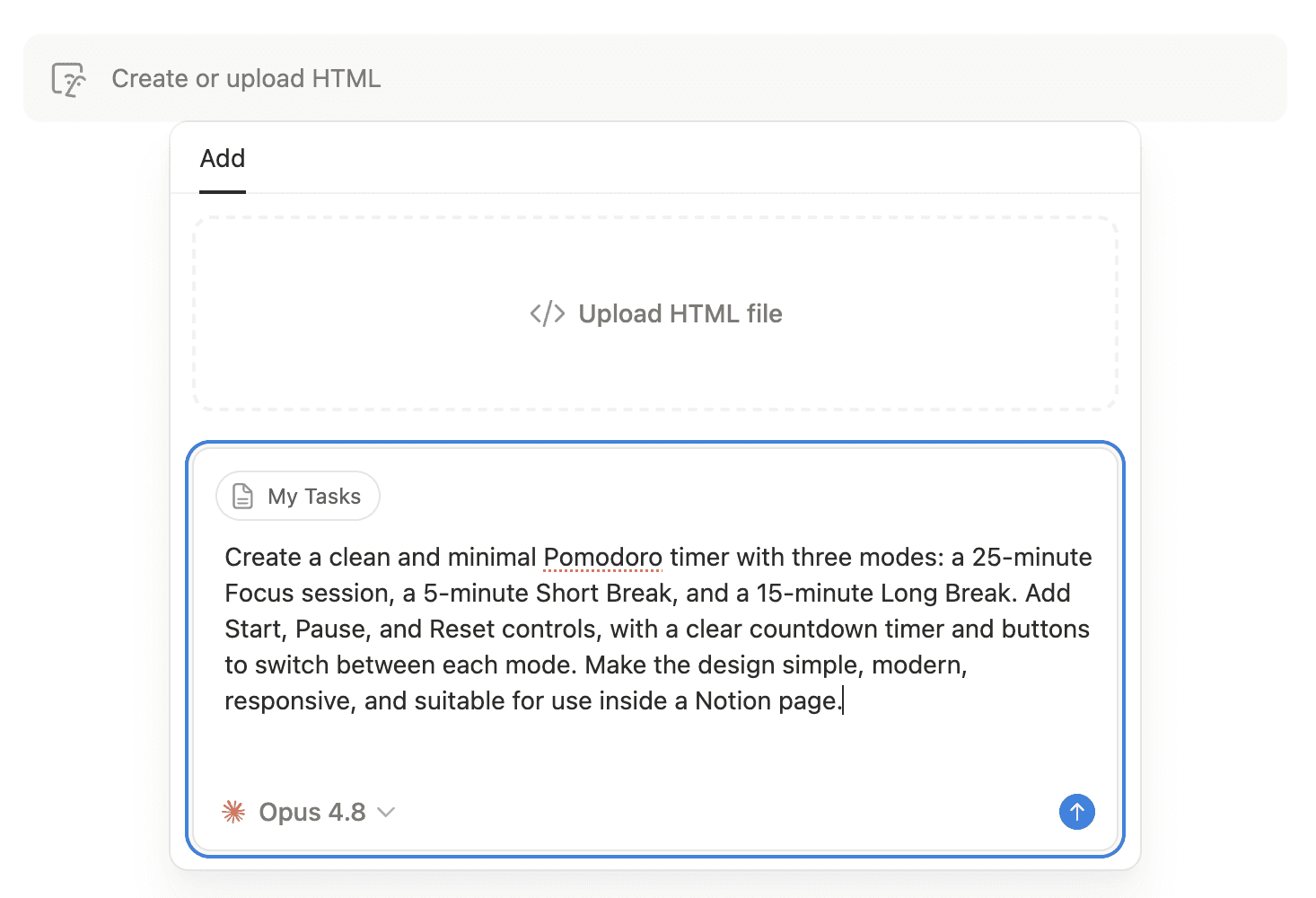
Add an HTML block to your Notion page.
In the HTML block, find the section where you can describe what you want to create.
Paste the AI prompt below.
Click Generate.
Notion will generate an interactive Pomodoro timer directly inside the HTML block.
Preview the timer and customize it further by asking AI to change the design, timer durations, or features.
AI Prompt
Create a clean and minimal Pomodoro timer with three modes: a 25-minute Focus session, a 5-minute Short Break, and a 15-minute Long Break. Add Start, Pause, and Reset controls, with a clear countdown timer and buttons to switch between each mode. Make the design simple, modern, responsive, and suitable for use inside a Notion page.