Tip #007
•
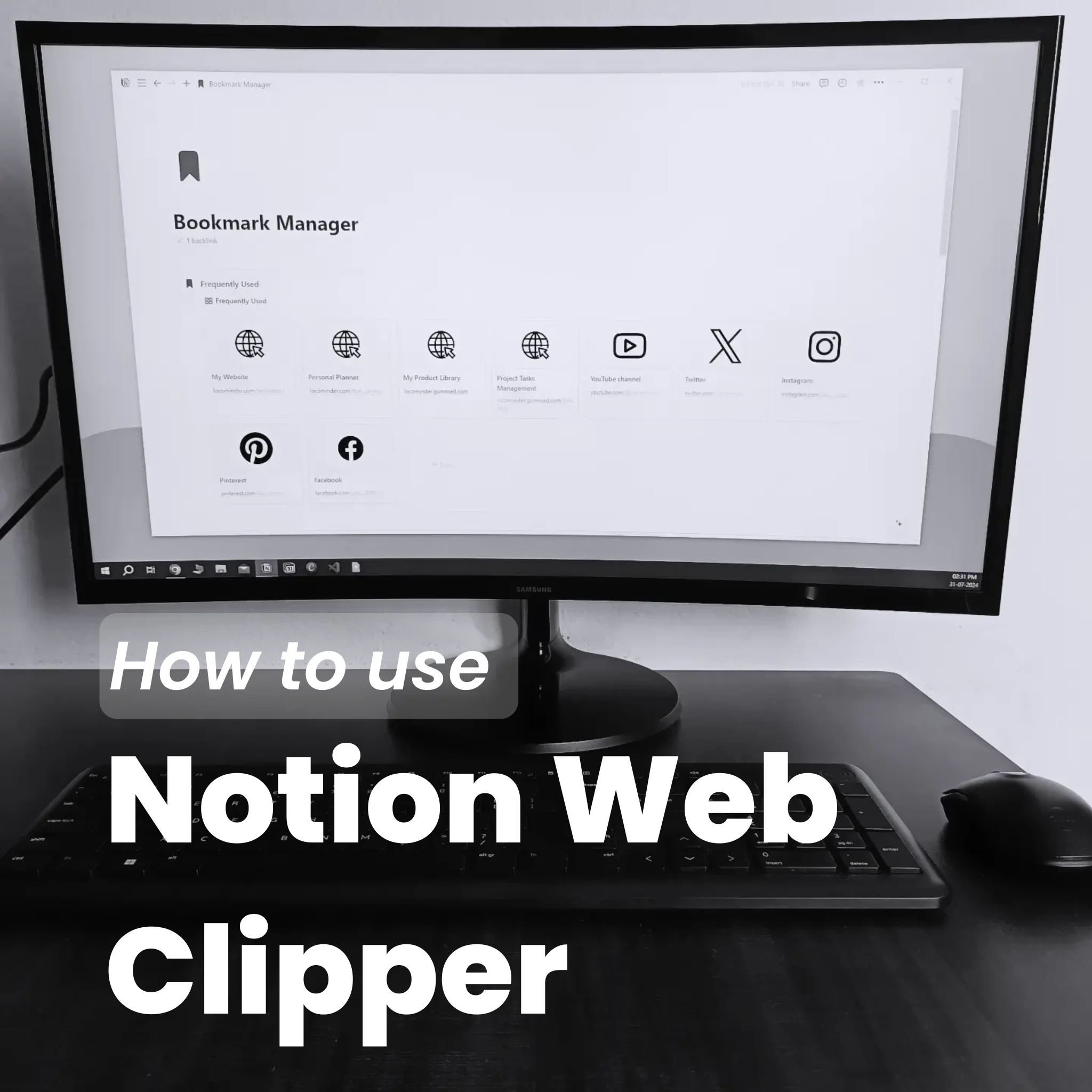
How to Use Notion Web Clipper to Save Links
Learn how to use Notion Web Clipper to quickly save useful websites, articles, and resources to your Notion workspace with a simple Bookmark Manager setup.

Notion Web Clipper makes it easy to save useful webpages while browsing and organize them in one place.
1. Install Notion Web Clipper
Install the Notion Web Clipper extension in your browser and log in to your Notion account.
2. Choose Where to Save Links
Select your Bookmark Manager database or another Notion database where you want to store saved webpages.
3. Save and Organize Links
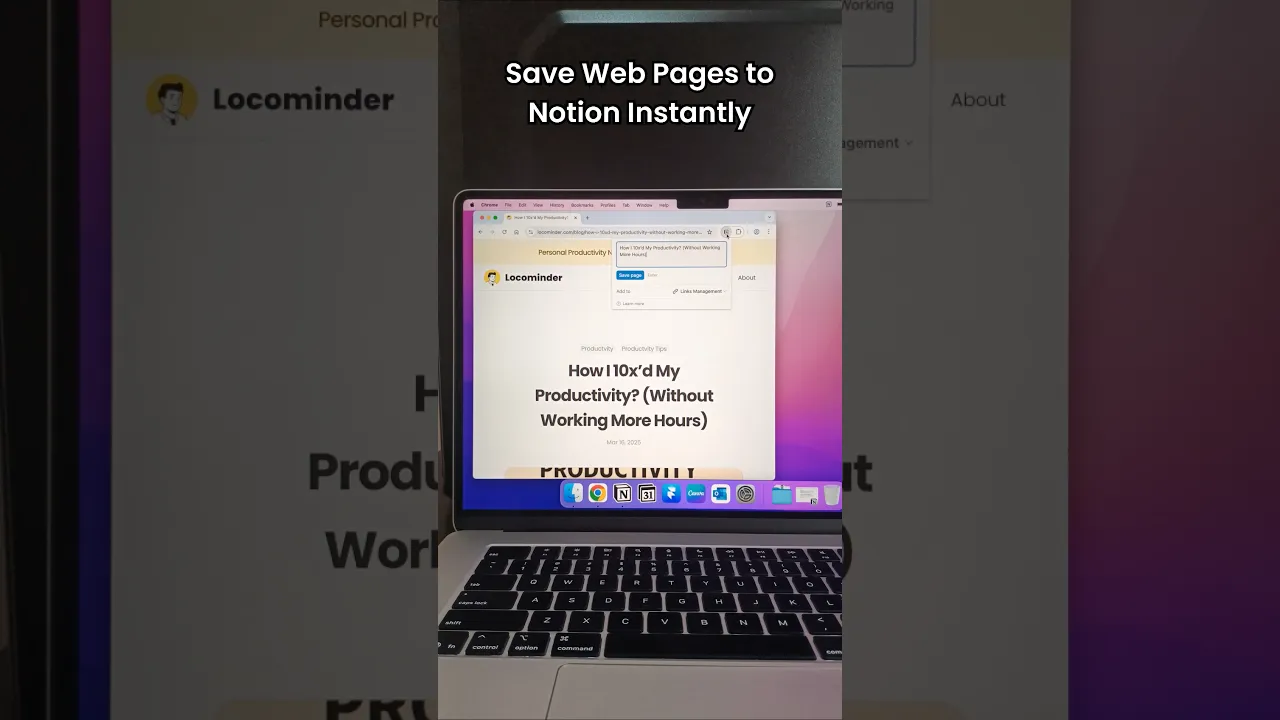
When you find something useful, open Web Clipper and save the page. It will appear in your selected Notion database, where you can organize and revisit it later.
Key Takeaway:
Save useful links as you browse, then organize them in Notion so you can easily find and use them later.
Related Templates

Bookmark Manager
Link Up Your World: Organize, Access, Thrive!