Tip #008
•
How I Replaced 5 Business Tools with Notion
See how I use Notion to replace separate tools for documents, tasks, CRM, business knowledge, and AI in one connected workspace.
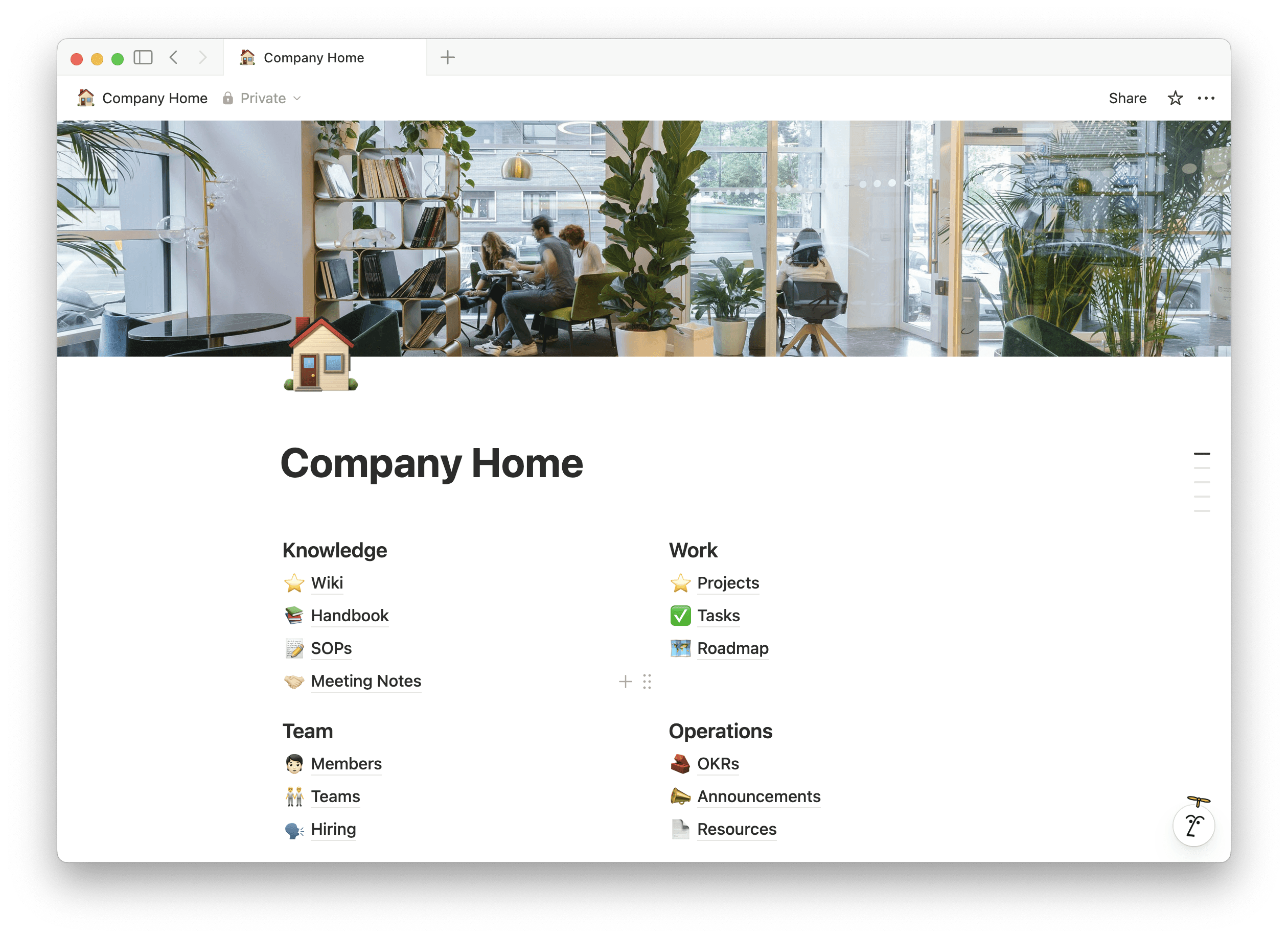
Running a small business can quickly turn into managing too many tools.
I used to rely on separate tools for documents, tasks, CRM, business knowledge, and AI. Moving these systems into Notion helped me reduce tool switching and keep everything connected.
1. Replace Document Tools
I use Notion Docs for SOPs, meeting notes, business notes, and content drafts. Everything stays connected to the rest of my workspace.
2. Replace Task & Project Tools
A single Notion database lets me manage tasks and projects with different views for planning, execution, calendars, and long-term projects.
3. Replace a Lightweight CRM
I use related databases to connect clients, leads, conversations, follow-ups, and tasks, giving me more context without needing a separate CRM.
4. Build a Business Wiki
Processes, checklists, decisions, and reference material can live in one organized knowledge base instead of being scattered across different tools.
5. Use Notion AI Where the Work Happens
Notion AI can help summarize notes, brainstorm ideas, rewrite content, and extract action items directly inside your workspace.
Key Takeaway:
You don't always need more business tools. A simple, connected workspace can make it easier to plan, organize, and run your business.
Want to build your own business workspace?
You can try Notion Business + Notion AI free for 3 months and start building your business systems in one connected workspace.
Try Notion Business Plan + Notion AI free for 3 months->