Solopreneur
Notion Tips
I Replaced 5 Business Tools with Notion (And Added AI)
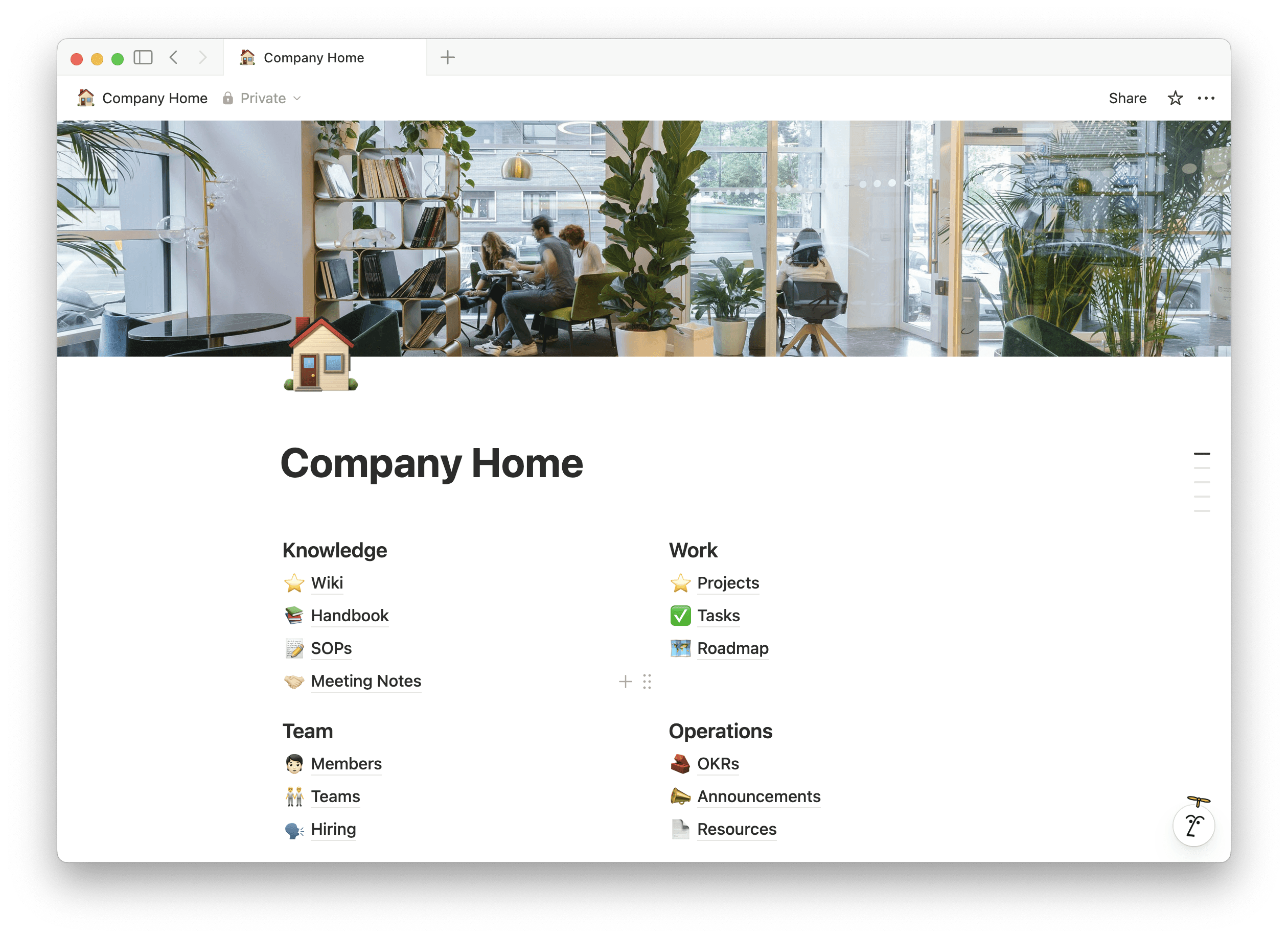
What happens when you replace multiple business tools with Notion?
When I replaced five separate business tools with Notion, I reduced tool switching, lowered software costs, and built a single system for docs, tasks, CRM, wiki, and AI. With Notion AI built in, I also sped up writing, planning, and decision-making — all inside one workspace.
What tools can Notion replace for a business?
Notion can replace five common business tools:
Document and note-taking tools
Task and project management tools
CRM tools
Company wiki or knowledge base tools
AI writing and productivity tools
This is why many founders and small teams use Notion as a business operating system, not just a notes app.
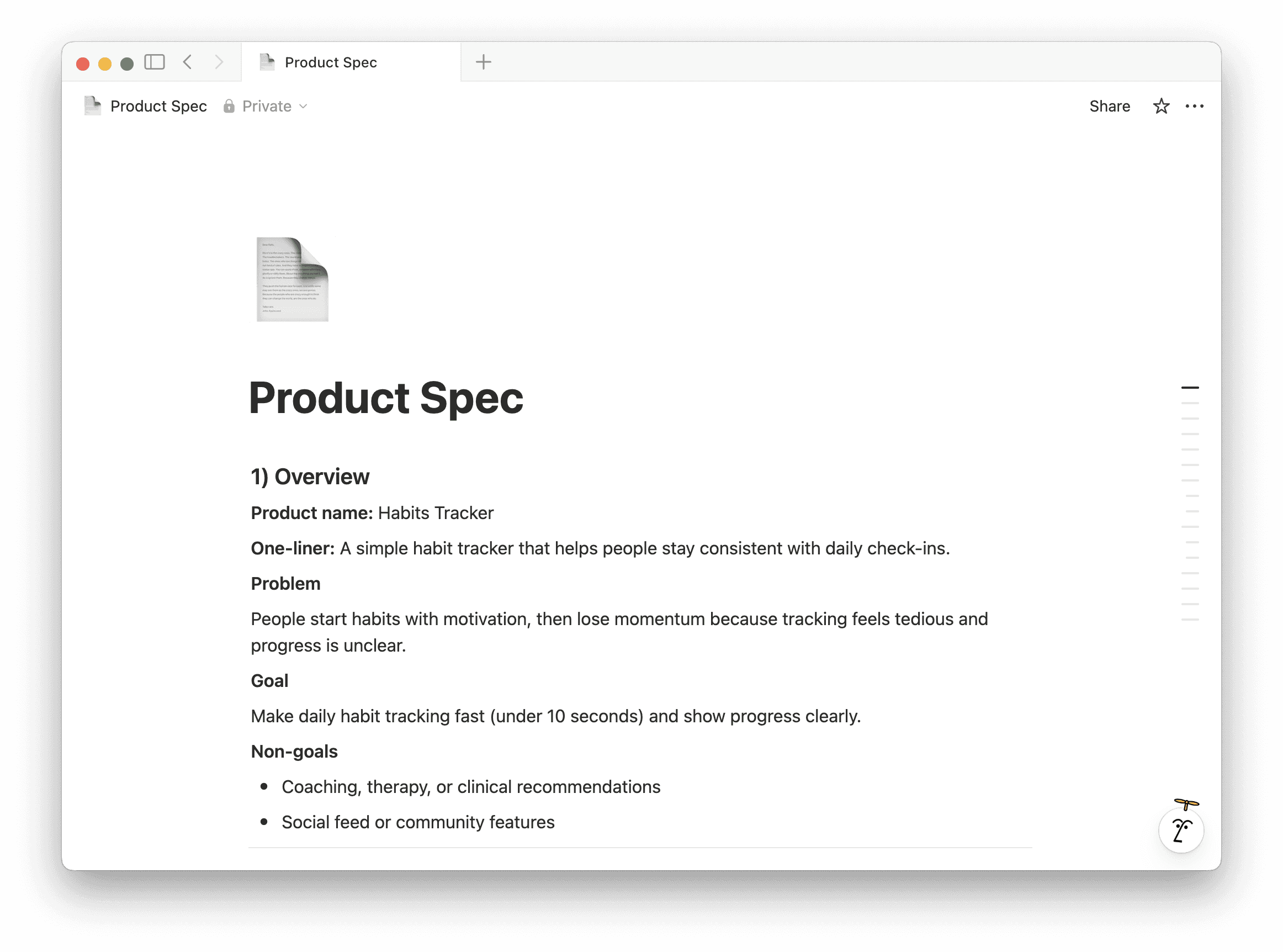
1. How I replaced document tools with Notion Docs
Notion Docs replace traditional document tools by combining writing, collaboration, and structure in one place.
I use Notion Docs for:
SOPs
Business notes
Content drafts
Meeting notes
These aren’t static documents. They’re connected to tasks, projects, and decisions, which keeps everything relevant and up to date.
Result:
No duplicate documents. No outdated files. No “where is that doc?” moments.
2. How I replaced task managers with Notion Databases
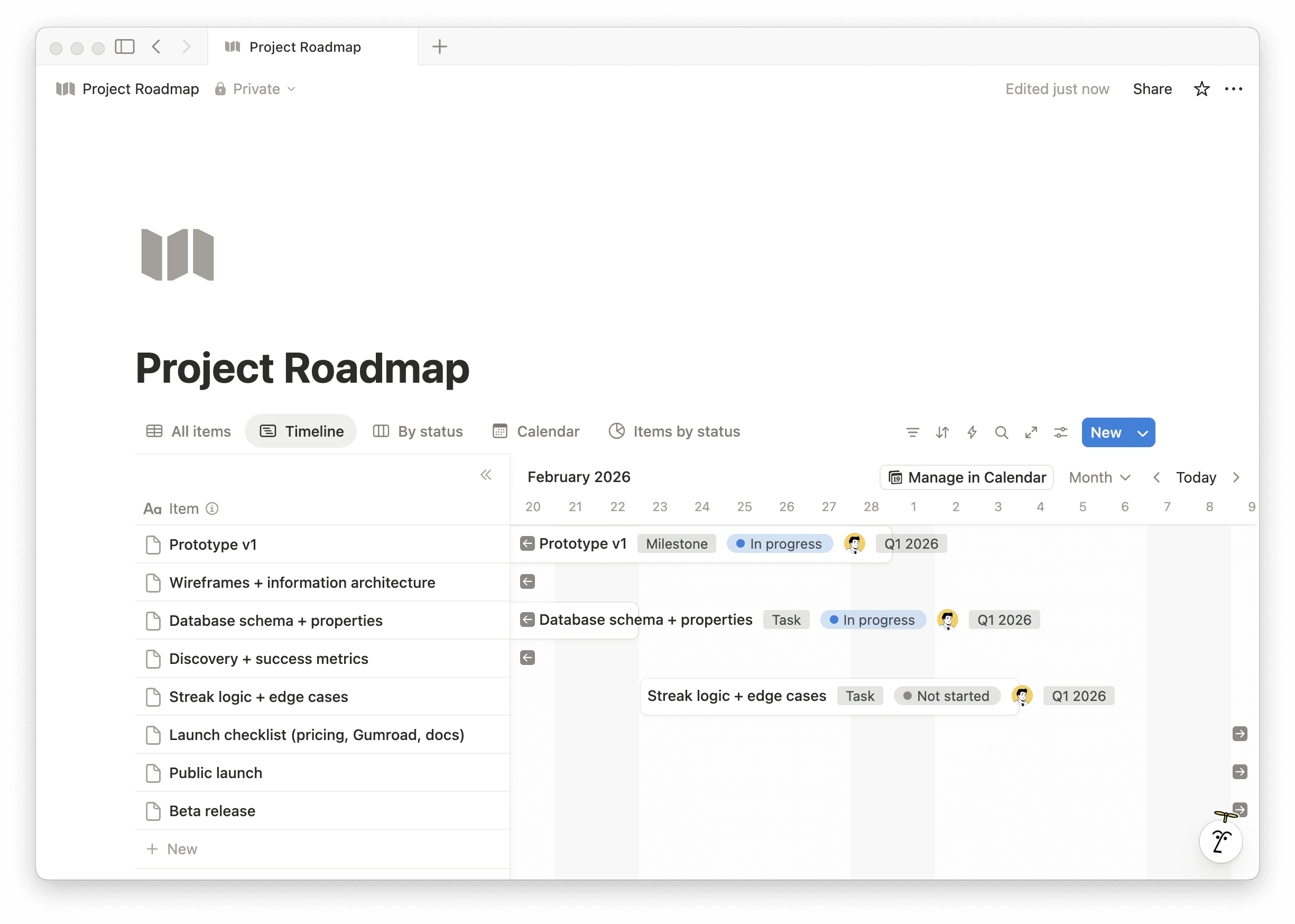
Notion Databases replace task management tools by letting you view the same tasks in multiple ways.
I manage all my work in one task database and switch between:
Board view for execution
List view for planning
Calendar view for scheduling
Timeline view for long-term projects
I’m not maintaining multiple tools or syncing data between apps.
Result:
One task system that adapts as my workflow evolves.
3. How I replaced a CRM with Notion Relations
Notion can function as a lightweight CRM using relational databases.
I track:
Clients
Leads
Conversations
Follow-ups
Each client record is linked to related tasks, notes, and project pages. This gives me full context instead of just contact details.
Result:
Better follow-ups and clearer client history without another CRM tool.
4. How I use Notion as a business wiki
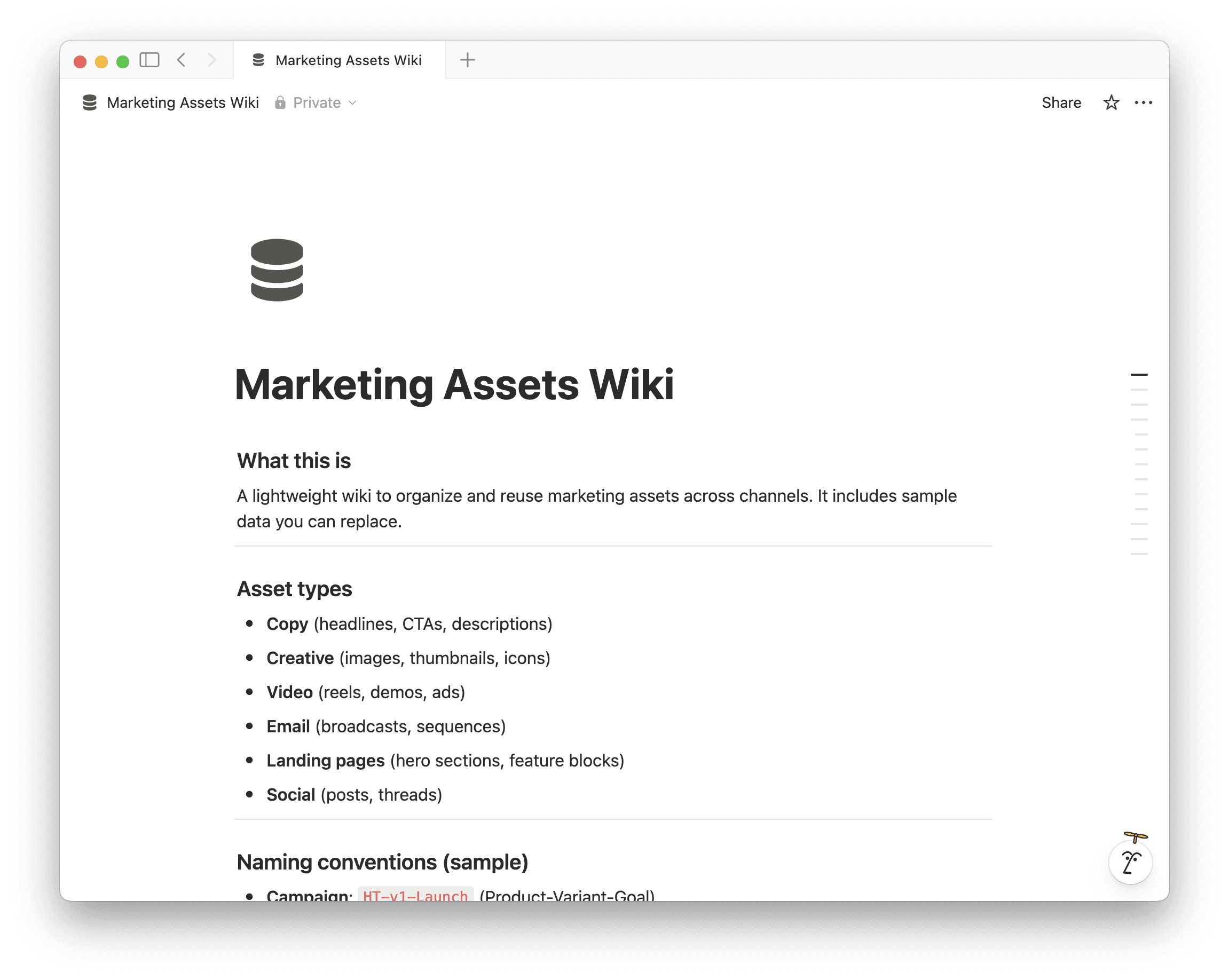
Notion replaces company wiki tools by combining documentation and permissions in one workspace.
My business wiki includes:
Processes
Checklists
Decision logs
Reference material
When something changes, I update it once and it’s reflected everywhere.
Result:
Less repeated thinking and faster onboarding (even for future collaborators).
5. How Notion AI replaced separate AI tools
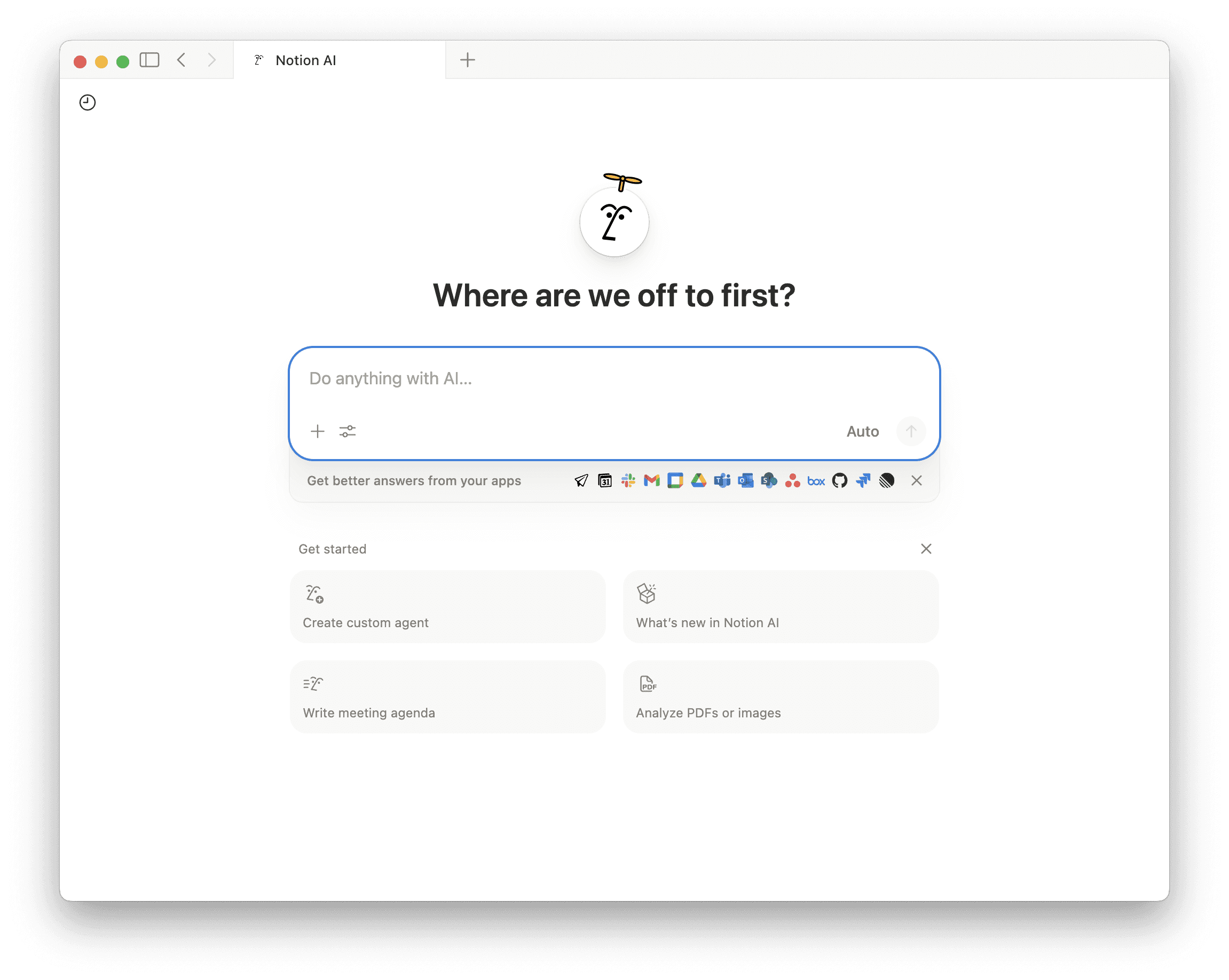
Notion AI replaces standalone AI writing tools by working directly inside your documents and databases.
I use Notion AI to:
Summarize long notes
Extract action items
Brainstorm ideas
Rewrite content
Draft outlines quickly
Because AI works inside my real business content, the output is immediately usable — no copy-paste, no context switching.
Result:
Faster execution with less mental load.
What changed after replacing tools with Notion?
After consolidating everything into Notion for Business, I experienced:
Fewer tools to manage
Lower recurring software costs
Better clarity and organization
Faster decision-making
Less cognitive overload
Instead of managing systems, I now focus on building the business.
Should you use Notion for Business?
If your tools feel scattered, disconnected, or hard to manage, Notion is worth trying.
Notion for Business with Notion AI gives you:
One workspace
One system
One place to plan, write, and execute
👉 Here’s the link to apply for 3 months free on : Notion Business Plan + Notion AI