Tip #010
•
How to Create a Portfolio Website With Notion
Learn how to create a portfolio website with Notion without coding. Build your portfolio, publish it as a Notion Site, and customize it for a professional online presence.
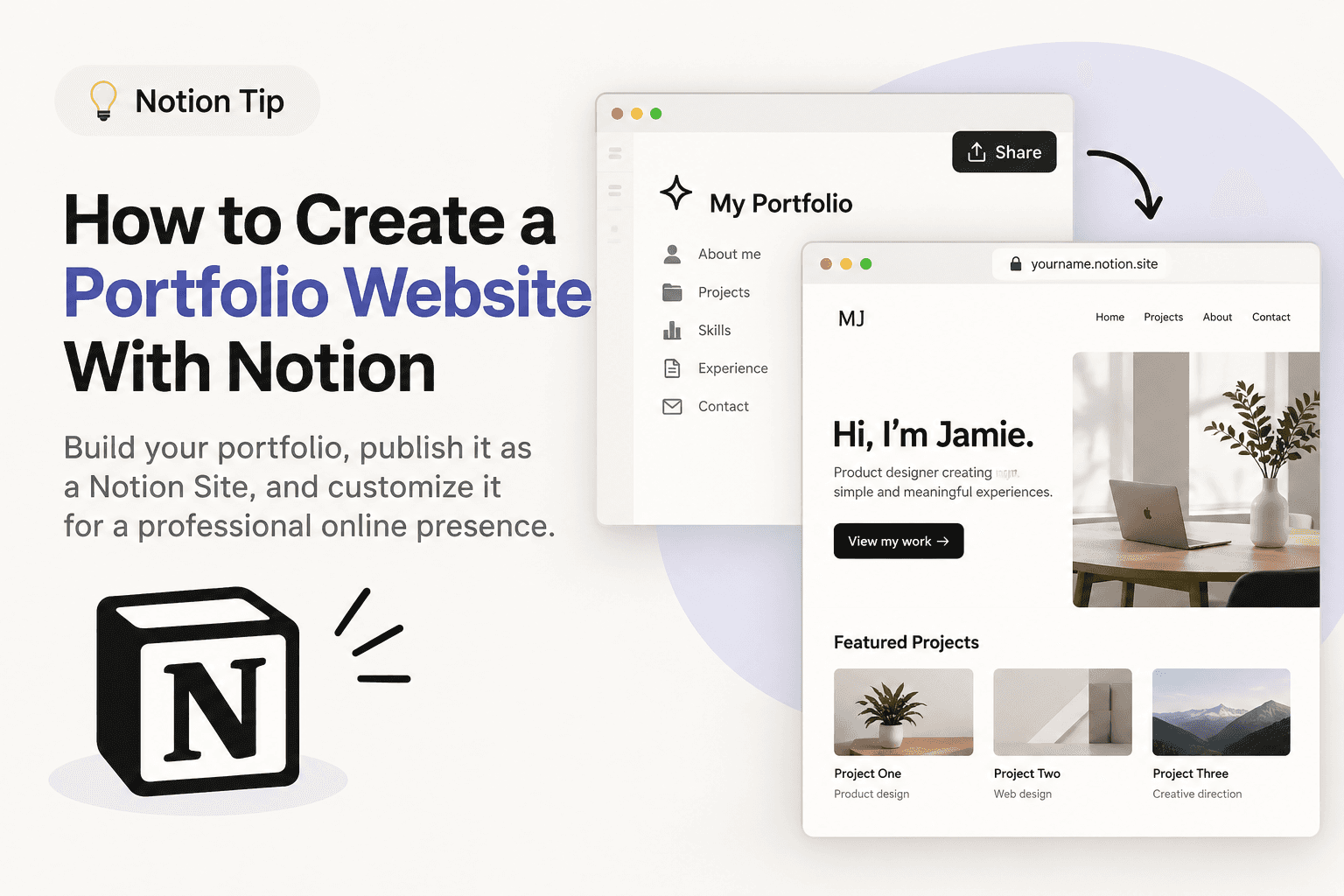
You can turn a Notion page into a simple portfolio website without writing code. Notion Sites lets you publish your page to the web and update it directly from Notion.
1. Create your portfolio in Notion
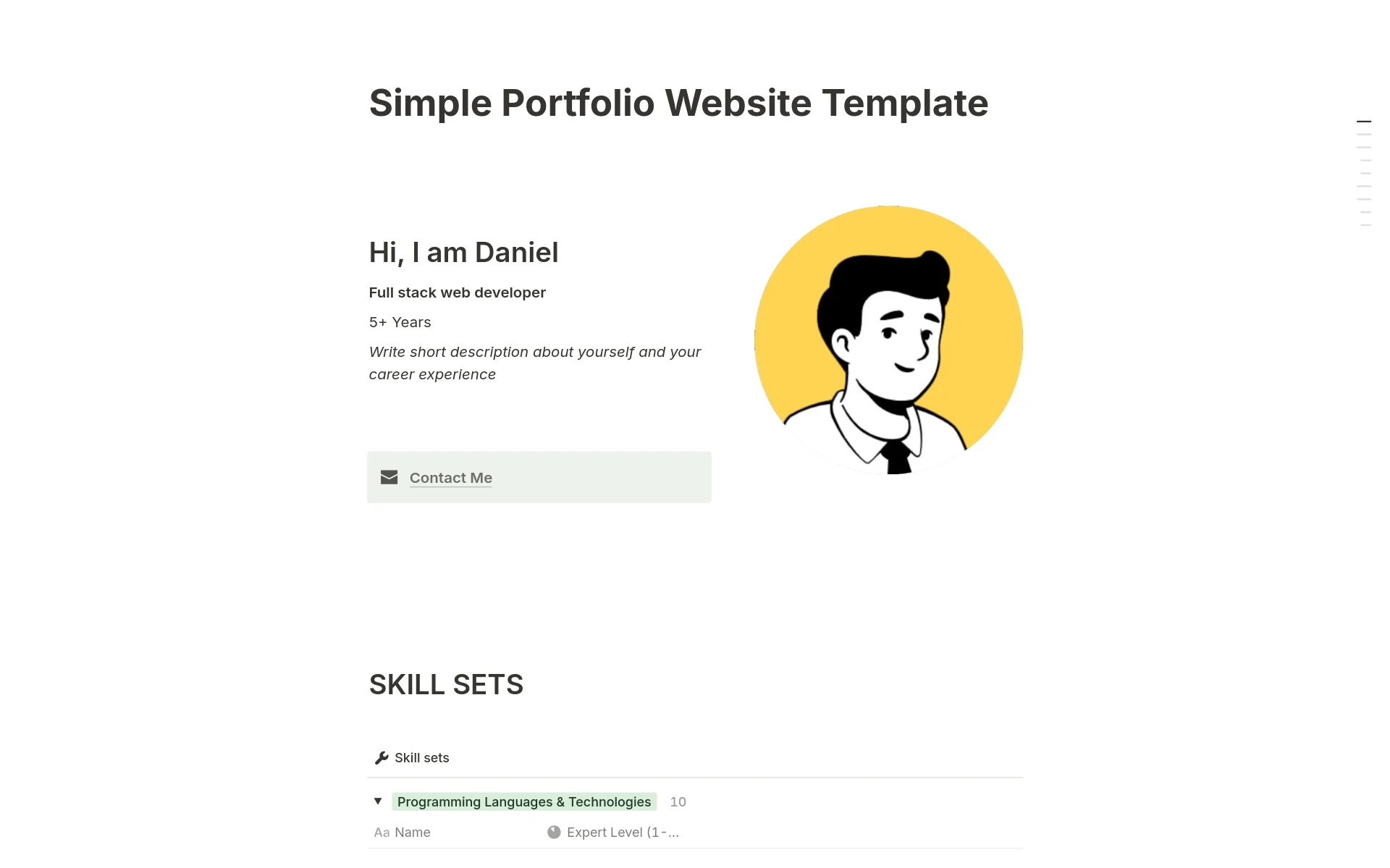
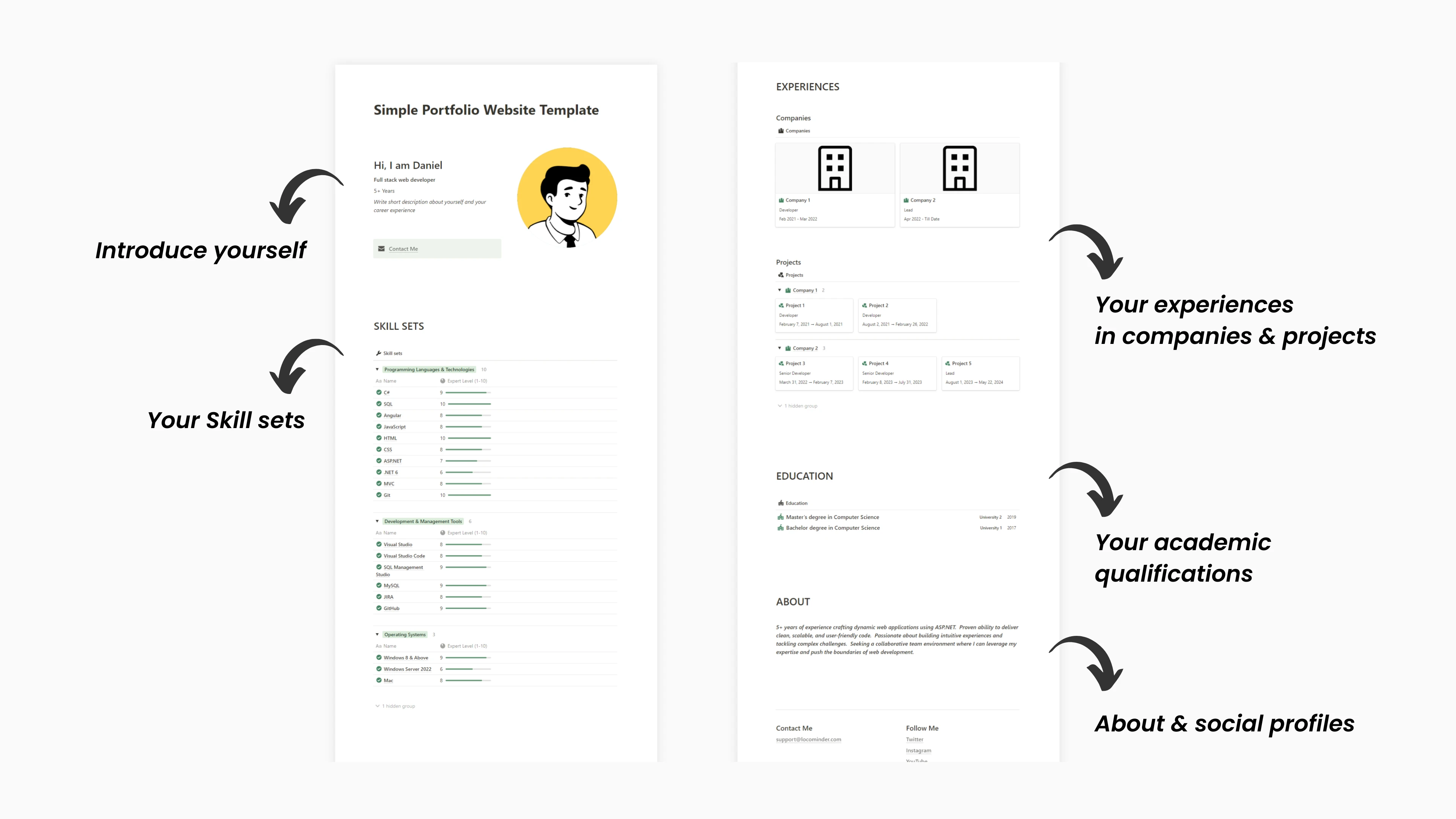
Start with a [simple portfolio page] and add the sections you need, such as:
About me
Skills
Work experience
Projects
Education
Contact information
Keep the layout simple and focus on showing your best work.
2. Publish your portfolio as a website
Open your portfolio page and go to Share → Publish → Publish. Notion will create a live website from your page, and changes you make to the Notion page can update the published Site.
You can also enable Discoverable on the web if you want search engines to find your portfolio.
3. Customize your Notion website
If you're using a paid Notion plan, you can customize features such as your Site's title and description, favicon, navigation, theme, share preview, and Google Analytics. Paid plans also support connecting an existing custom domain through a separate custom-domain add-on.
Want the complete step-by-step guide?
Read [How to Create a Portfolio Website With Notion] for the full publishing, customization, SEO, and custom-domain setup.
Key Takeaway:
You can create and publish a simple portfolio website with Notion without coding. Start with a well-structured portfolio page, publish it with Notion Sites, and customize it as your needs grow.