Notion Templates
Best Notion Website Templates
Looking for Notion website templates to create a simple website without starting from scratch?
Notion makes it easy to organize and publish different types of websites, from personal portfolios and link-in-bio pages to simple business websites and blogs. With the right template, you can start with a ready-made structure and customize it to match your needs.
In this guide, you'll find some of the best Notion website templates for creating and managing an online presence without complicated setup.
1. Free Notion Portfolio Website Template
A portfolio website is a simple way to showcase your work, skills, experience, and background online.
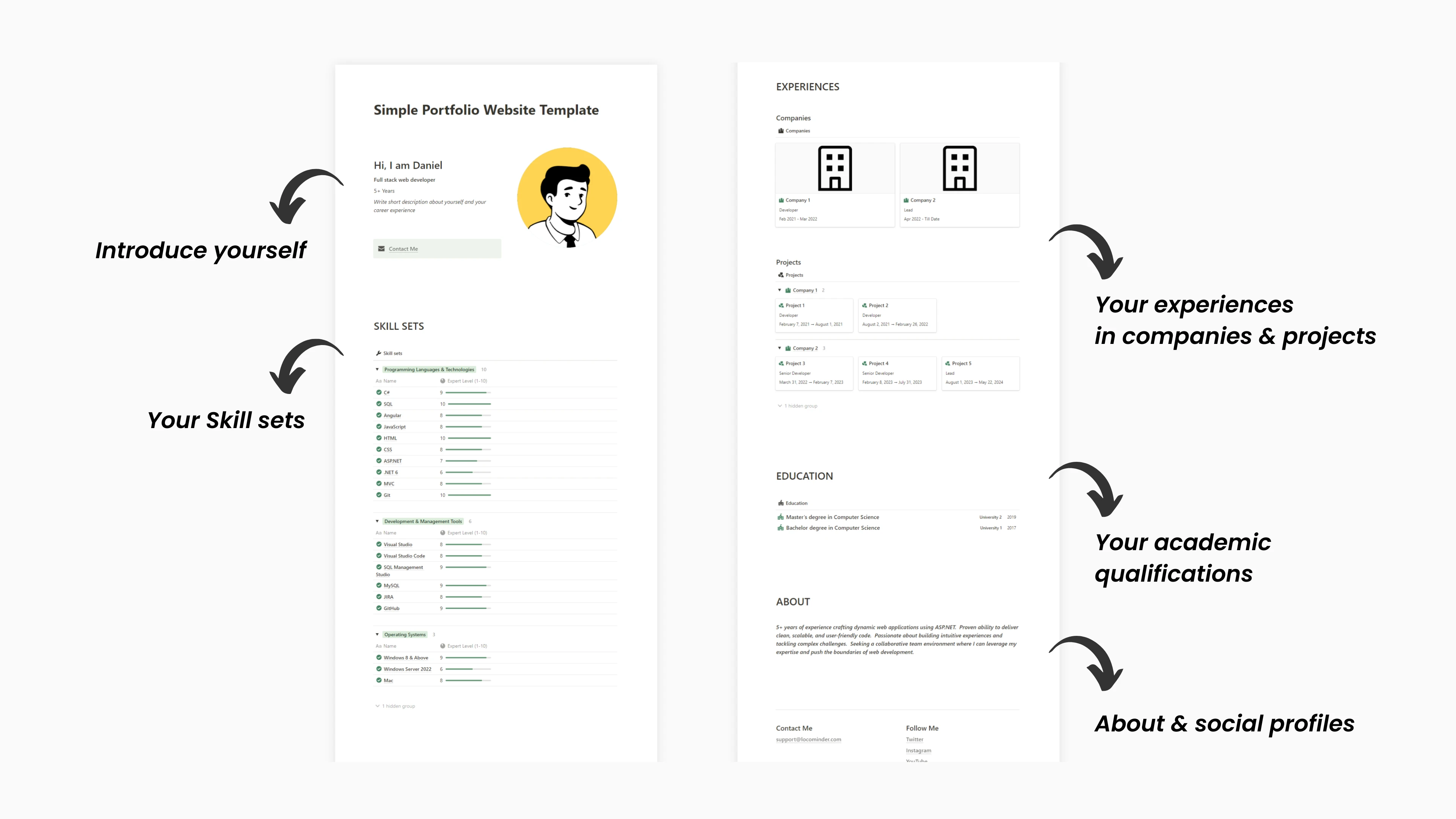
The Simple Portfolio Website Notion Template gives you a clean structure for presenting your:
Introduction
Skills
Work experience
Education
Projects
Contact information
It's a good option for freelancers, designers, developers, creators, students, and professionals who want a simple portfolio without building a website from scratch.
You can customize the content and design to create a portfolio that reflects your personal brand.
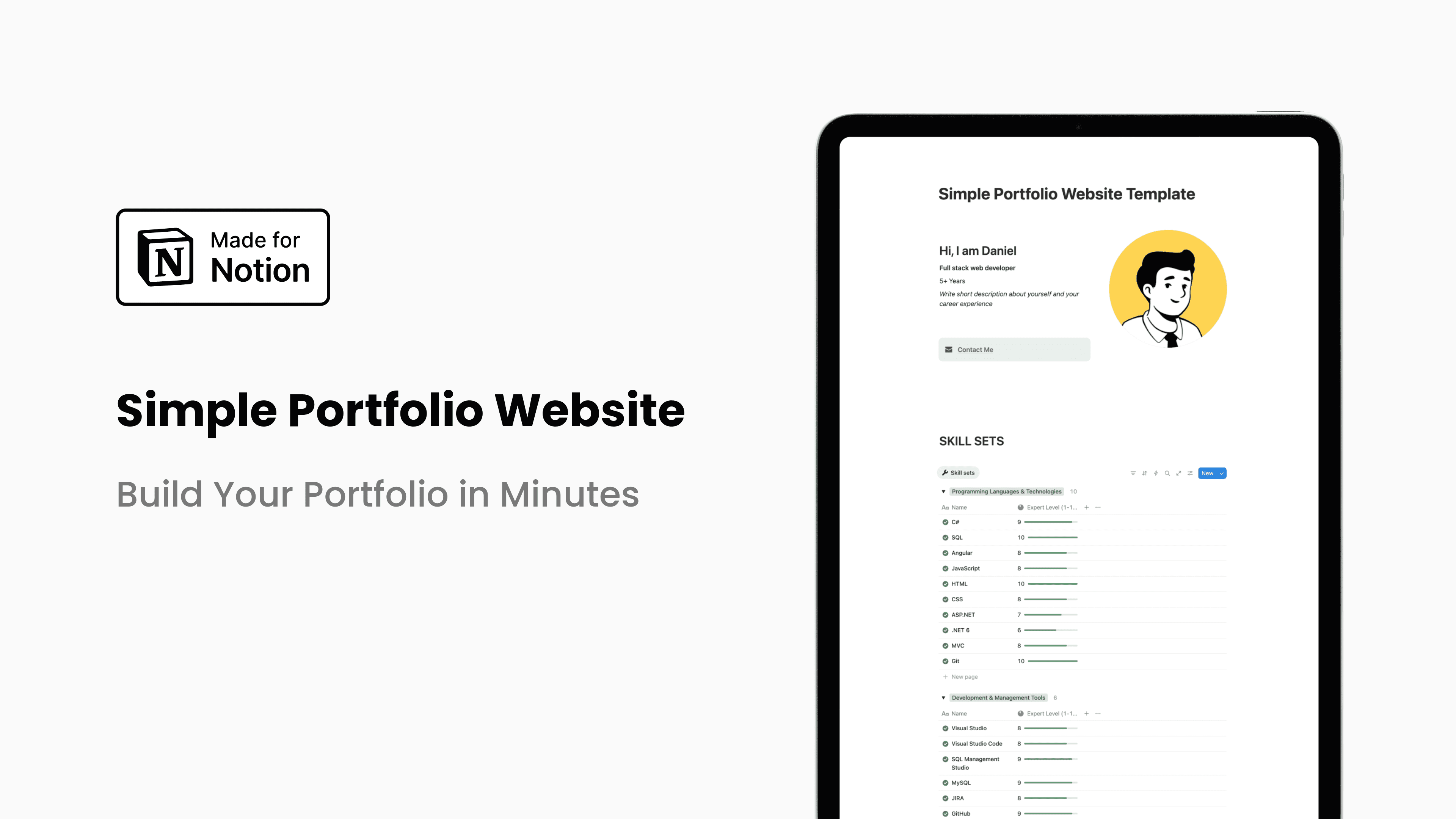
Explore the Simple Portfolio Website Notion Template
2. Free Notion Link in Bio Template
Need a simple page to share all your important links?
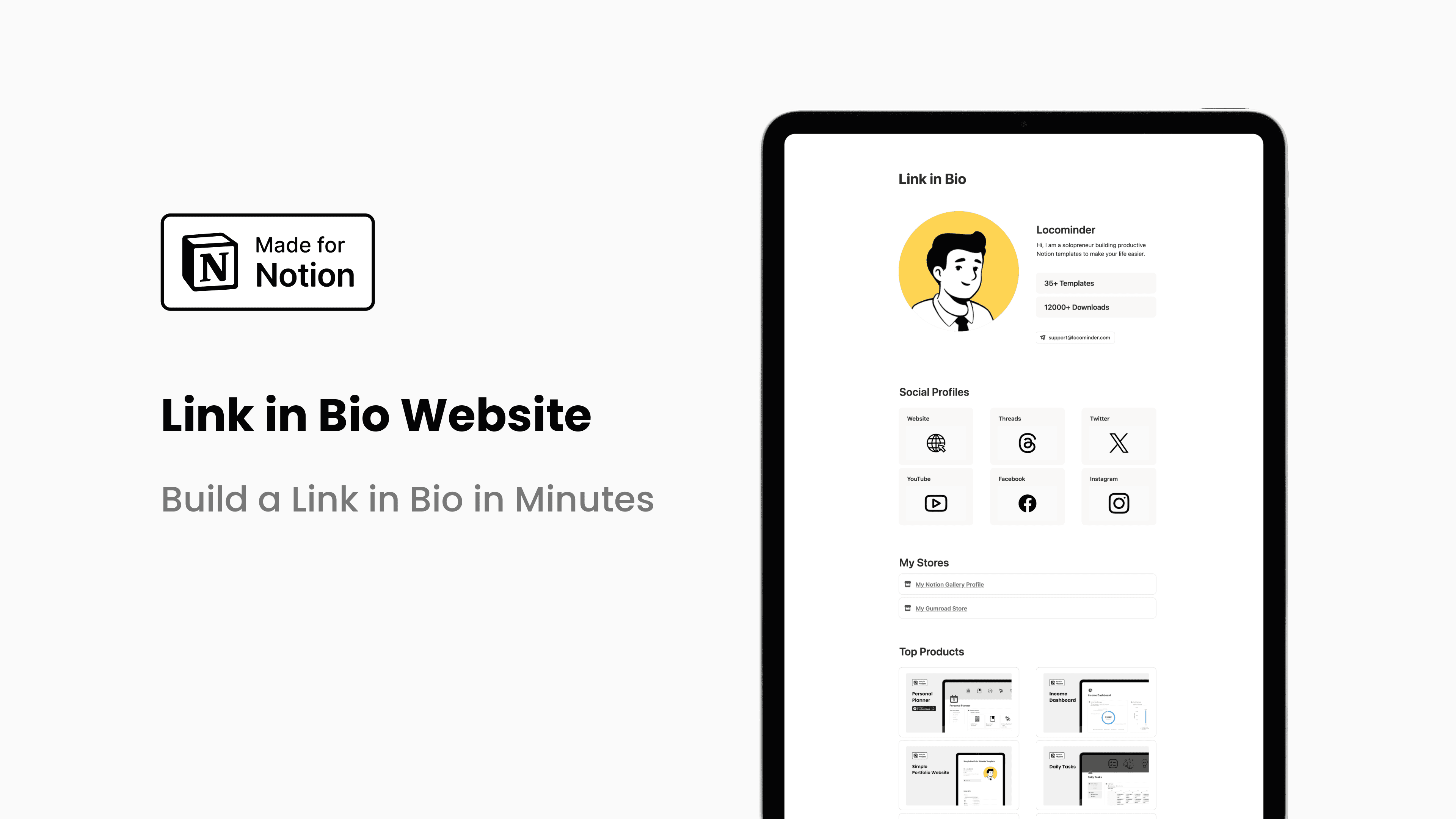
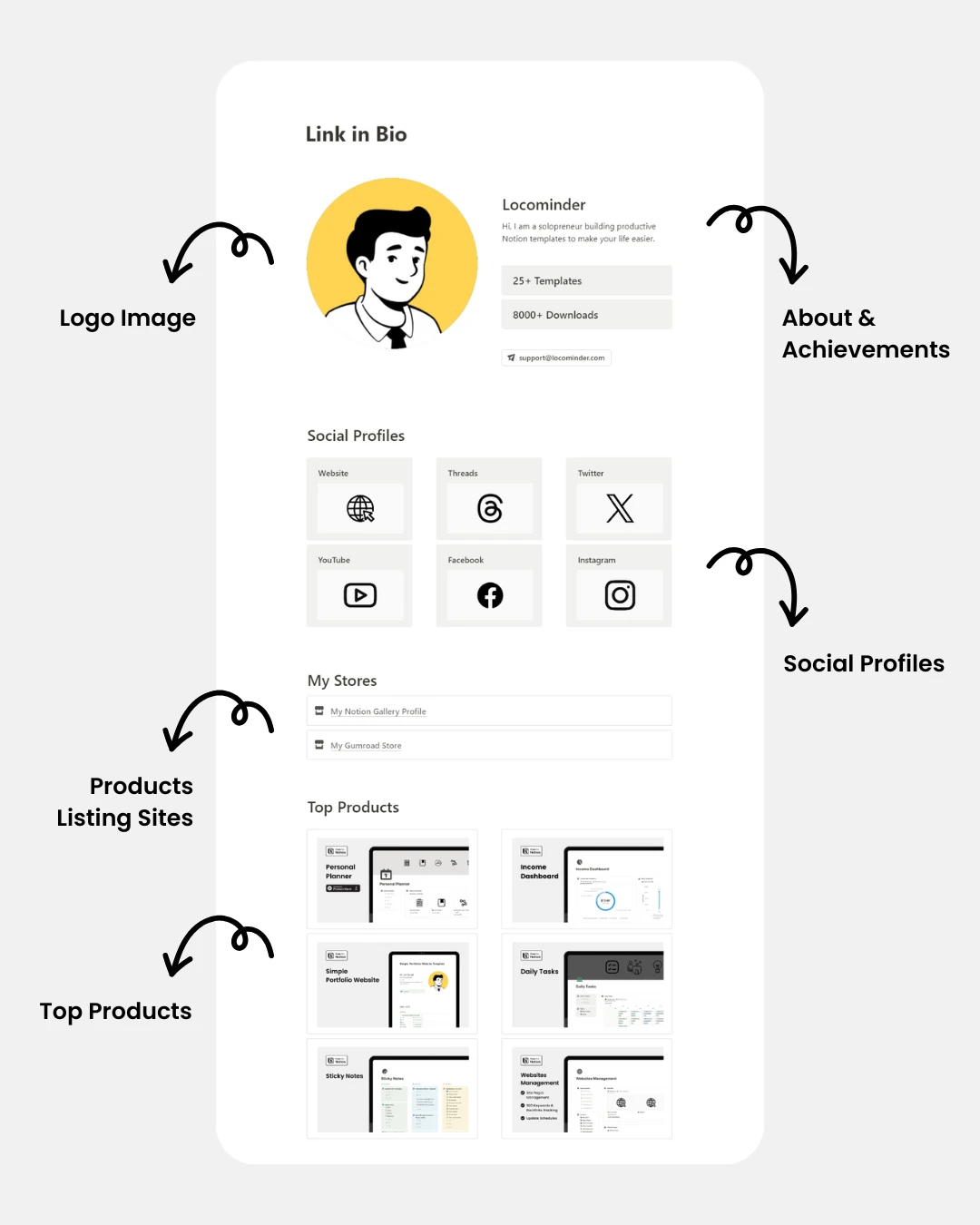
The Link in Bio Website Notion Template lets you create a minimal link-in-bio page using Notion.
You can use it to share:
Social media profiles
Your website
Products
Blog posts
YouTube videos
Resources
Contact links
It's particularly useful for creators and people who regularly share their Notion page through Instagram, X, TikTok, or other social platforms.
The simple layout keeps your important links easy to find without requiring a separate website builder.
Explore the Link in Bio Website Notion Template
3. Free Notion Website Management Template
Creating a website is only part of the work. Keeping your pages, content, SEO information, and updates organized can become difficult as your website grows.
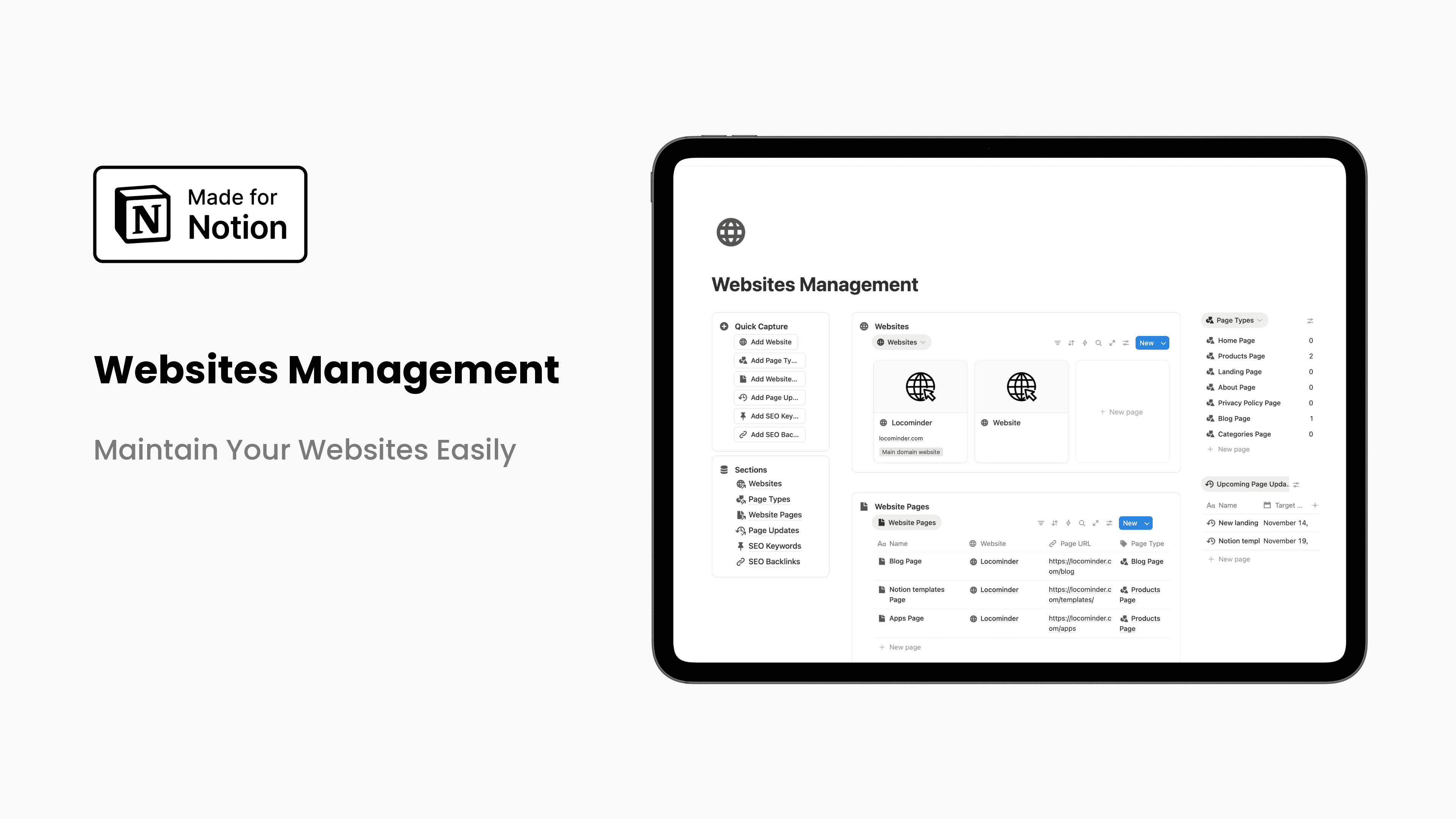
The Website Management Notion Template helps you keep your website content organized in one place.
You can use it to manage:
Website pages
Page status
SEO keywords
Backlinks
Content updates
Update schedules
Website information
If you manage a content-heavy website or multiple websites, this system can give you a central place to keep track of what needs to be updated.
Instead of maintaining website information across spreadsheets, notes, and different tools, you can organize everything inside Notion.
Explore the Websites Management Notion Template
Which Notion Website Template Should You Use?
The right template depends on what you're trying to accomplish.
For a personal portfolio:
Use the Simple Portfolio Website template to showcase your experience, skills, and work.
For social media:
Use the Link in Bio Website template to create a simple page containing all your important links.
For website management:
Use the Website Management template to organize website pages, SEO information, backlinks, and content updates.
The best part about using Notion templates is that you can customize the structure to fit your own workflow.
Can You Create a Website With Notion?
Yes. Notion allows you to publish pages to the web, making it possible to create simple websites, portfolios, resource pages, landing pages, and other online pages.
However, Notion websites are generally best suited to simple, content-focused websites rather than highly customized websites that require advanced functionality.
If you want to learn more, check out our guide on how to build a website with Notion and customize your Notion Site settings.
Final Thoughts
You don't always need a complicated website builder to create a useful online presence.
With the right Notion website template, you can start with a ready-made structure, customize the content, and publish a simple website much faster.
Whether you're building a portfolio, creating a link-in-bio page, or managing the content of an existing website, these Notion templates can give you a simple starting point.
Explore the templates above and choose the one that fits your needs.