Notion Tips
How to Open Notion Automatically in Every New Chrome Tab
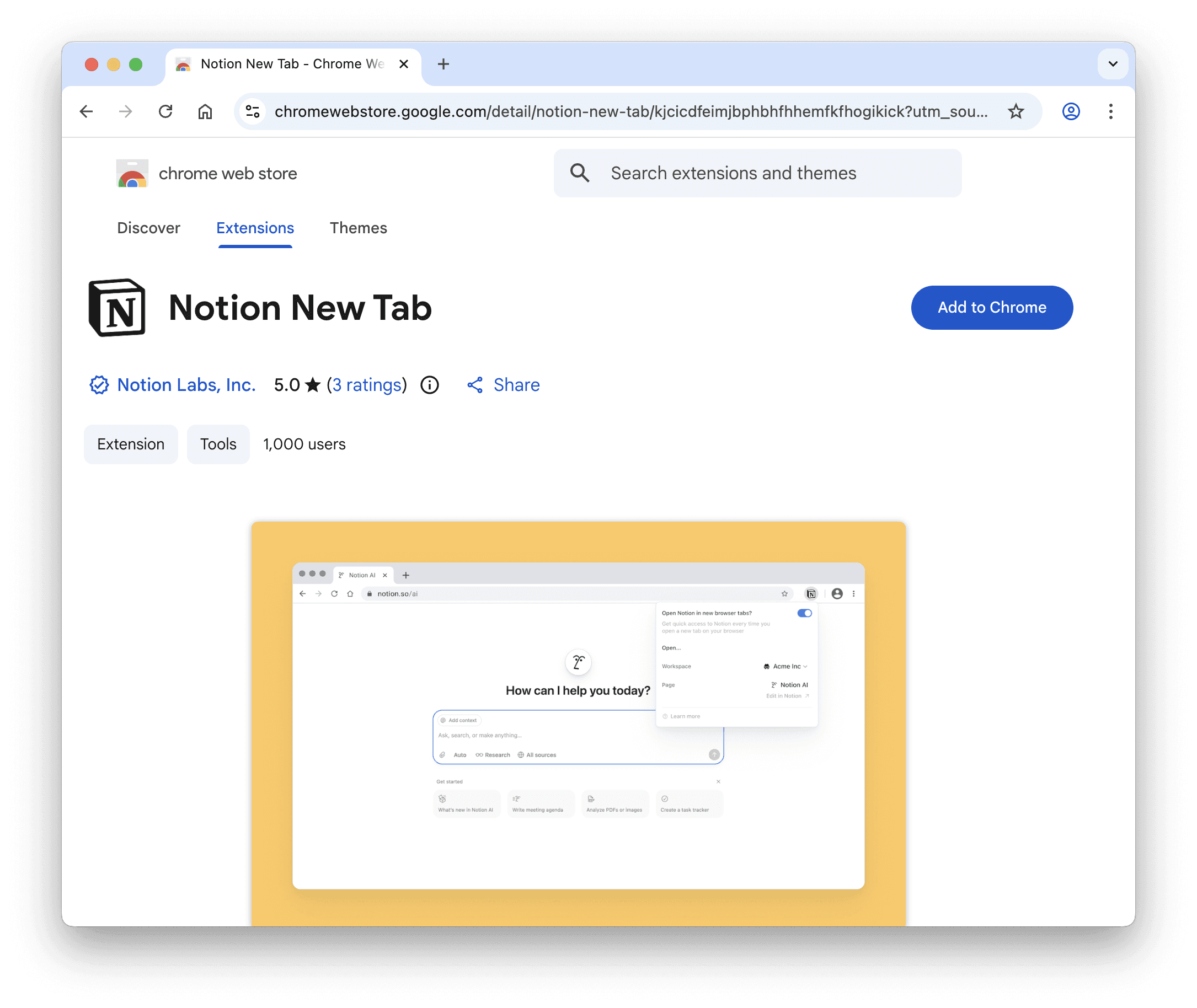
If you open Notion many times a day, this small setup can save you several clicks every time you open a new browser tab.
Step 1: Install the Notion New Tab Extension
Go to the Chrome Web Store and install the Notion New Tab Chrome extension.
Step 2: Log in to Your Notion Account
After installing, open the extension and sign in using your Notion account.
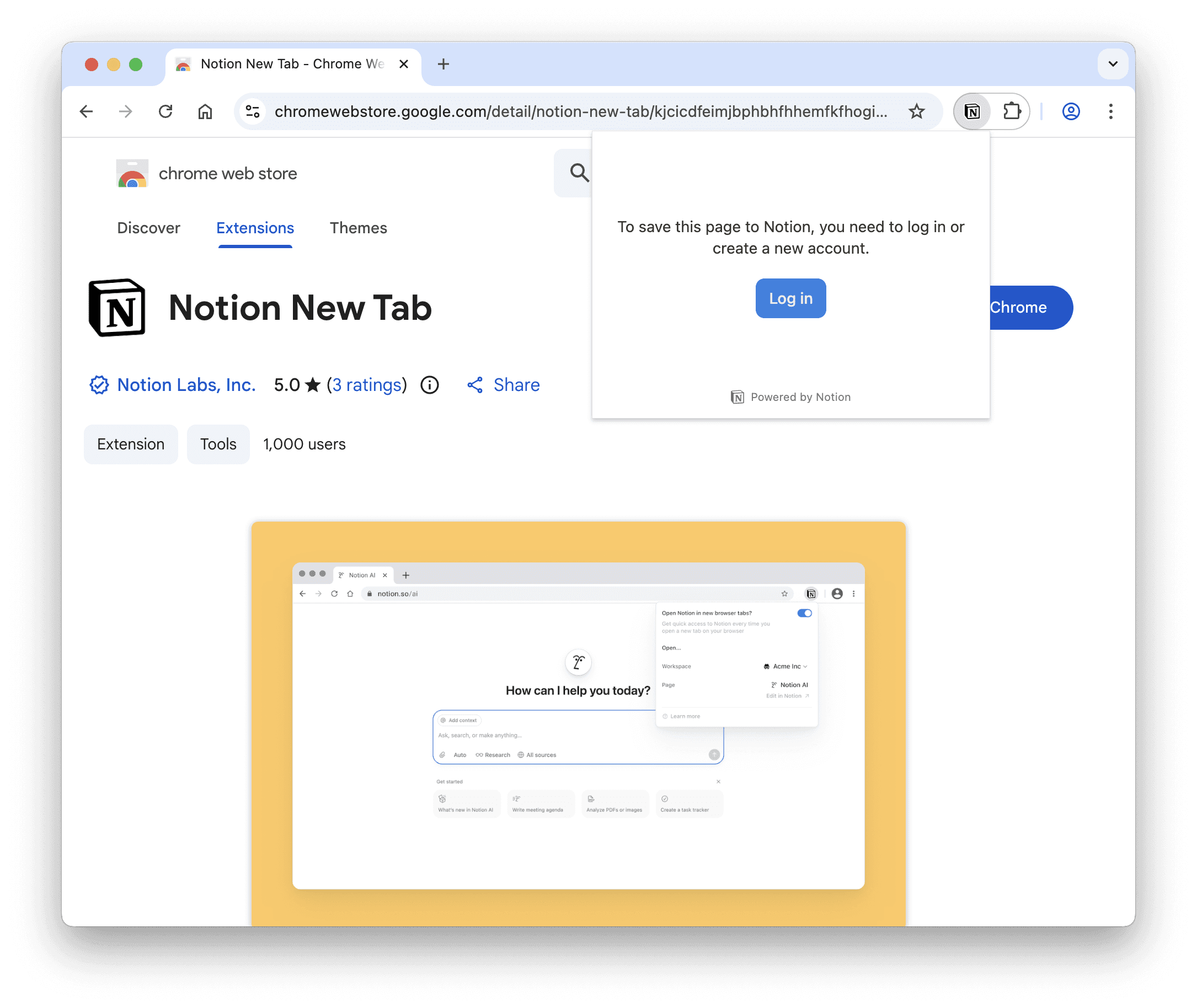
Step 3: Choose What Opens in a New Tab
After login your Notion account and go to:
Settings → Preferences → Desktop app section
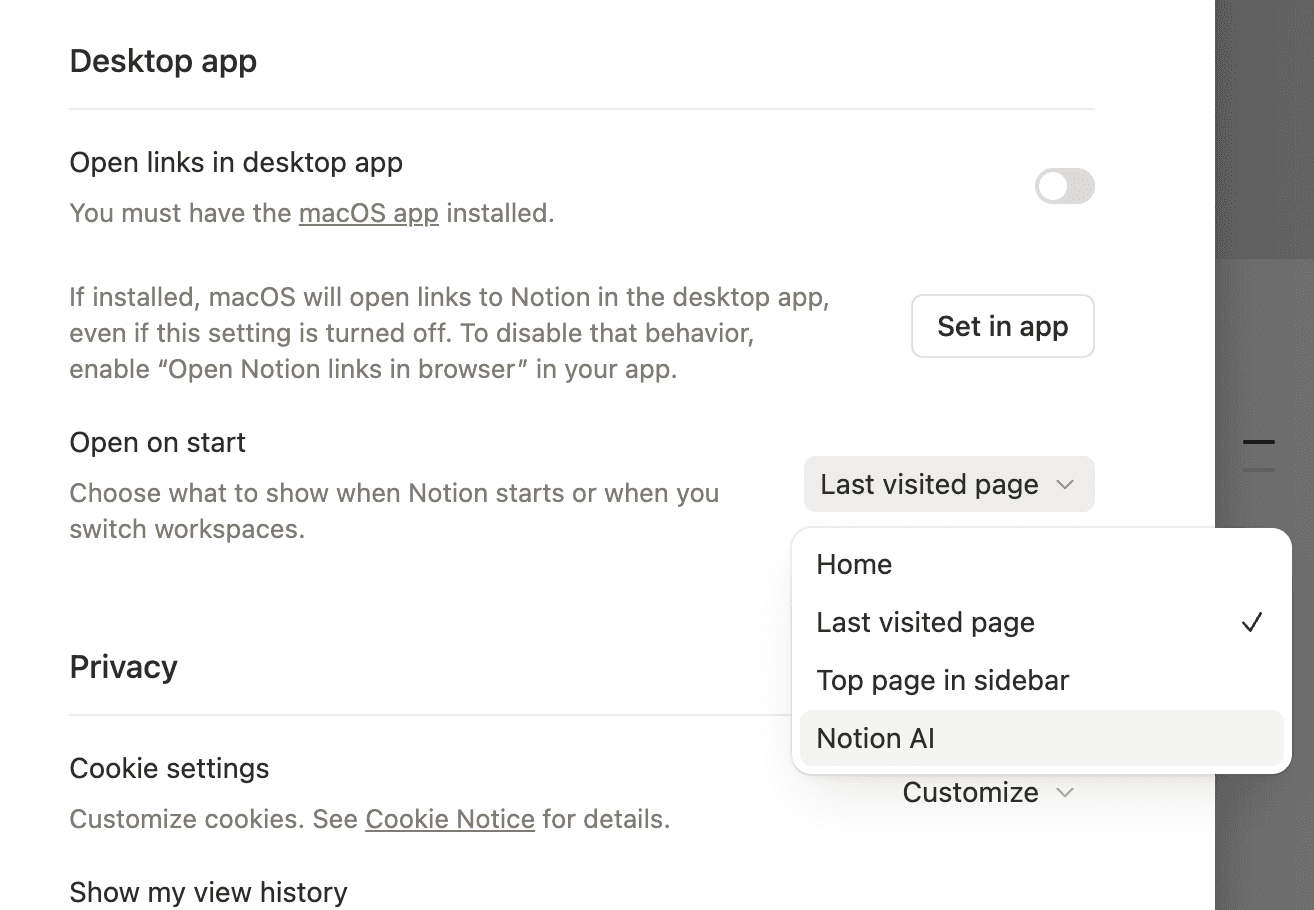
Under this section, select what you want to open when you click on a new Chrome tab:
Home
Last visited page
Top page in the sidebar
Notion AI
Step 4: Open a New Tab
Now open a new Chrome tab.
The Notion page you selected will load automatically.
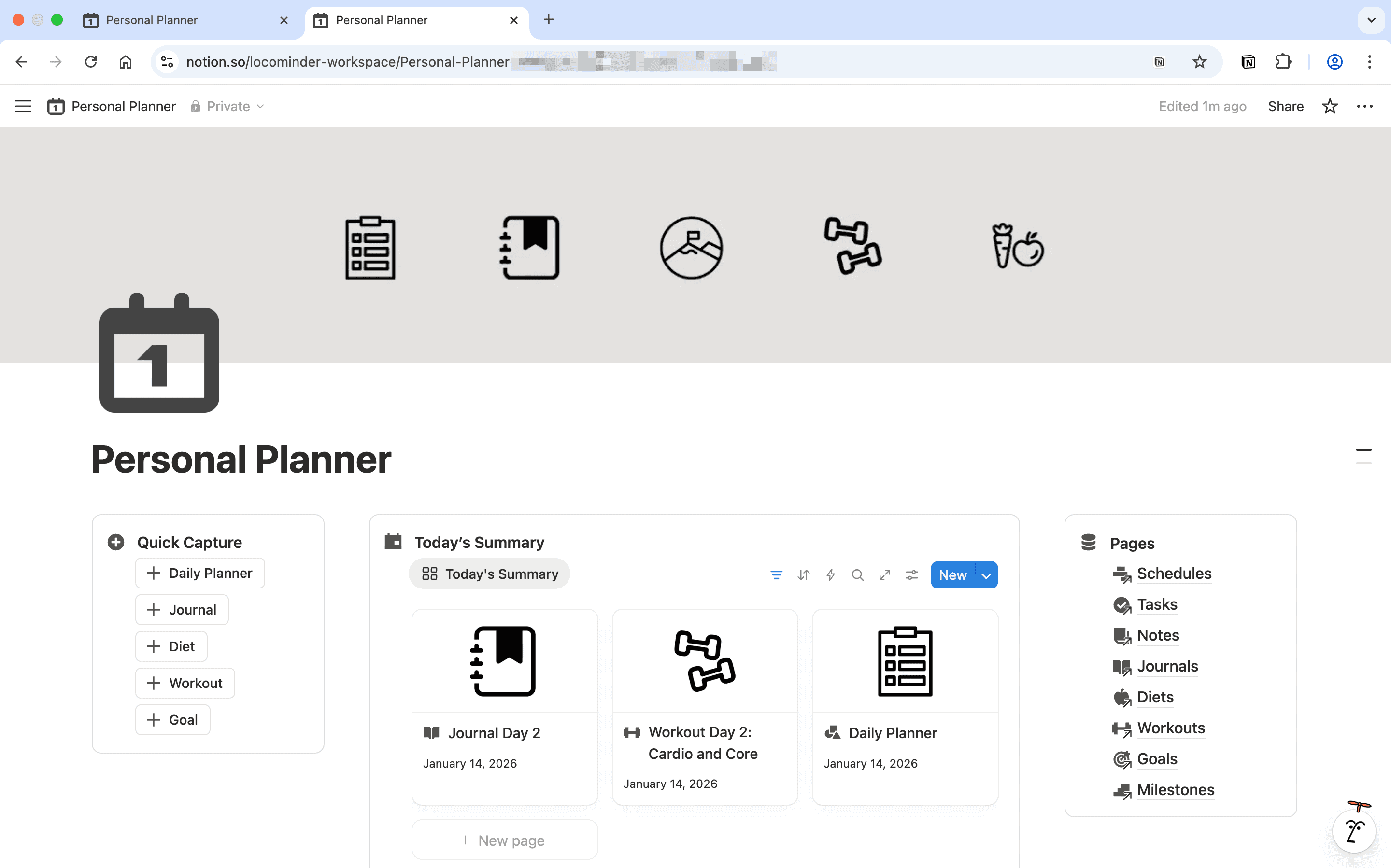
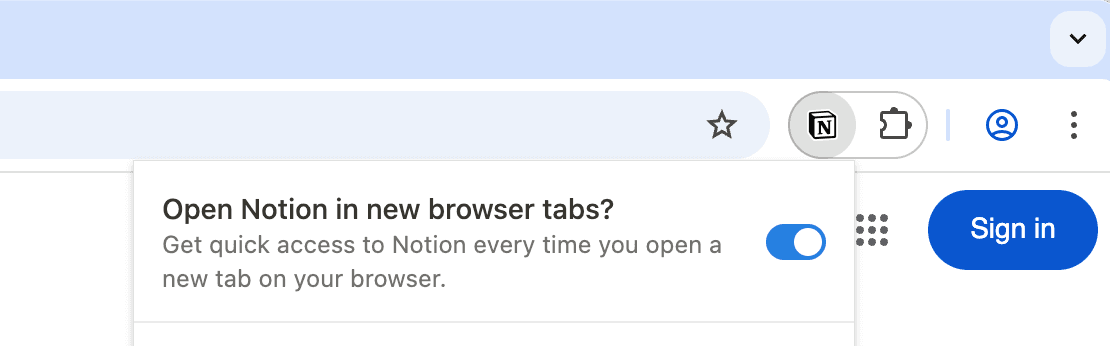
Step 5: Enable or Disable Anytime
You can turn this feature on or off anytime from the extension settings.
Conclusion
Turning every new Chrome tab into your Notion dashboard may feel like a small change, but it completely transforms how often — and how consistently — you use Notion.
Instead of opening random tabs and getting distracted, you’re instantly dropped into your productivity system: tasks, habits, journal, and goals — all in one place.
If you don’t already have a complete dashboard setup, I personally use my Personal Productivity Bundle as my default new tab. It includes ready-to-use templates for:
Personal Planner
Finance Manager
Habit Tracker
File Management
Books Tracker and more
Right now, this bundle is available with a 50% discount for a limited time — so it’s the perfect moment to upgrade your Notion workspace.
👉 You can check out the : Personal Productivity Bundle